

SSHPeaches · SSH client for Android
Your servers, in your pocket
A fast, focused SSH client with a keyboard made for the shell, a file browser that edits in place, and terminals that pick up where they left off when your network changes.
Google Play — coming soon
Source on GitHub
01Spec sheet
| Protocols | SSH, SFTP, SCP, Mosh |
|---|---|
| Login | Password, key, or both. Two-factor codes (keyboard-interactive) when the server asks. |
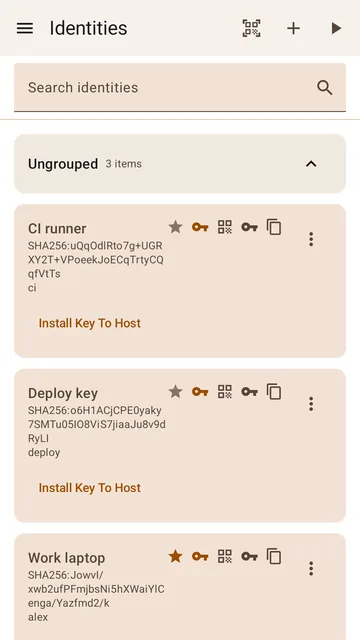
| Keys | Generate Ed25519, ECDSA, or RSA keys and install them on a server in one step |
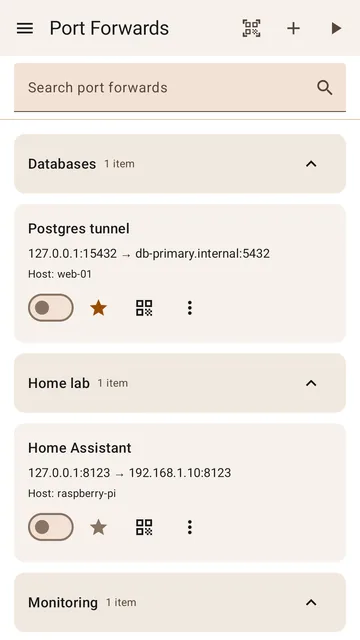
| Port forwarding | Local (-L). Remote and dynamic forwarding aren't supported yet. |
| Requires | Android 8.0 or newer. Phones, tablets, and Chromebooks. |
| Licence | GPL-3.0, source on GitHub |
| Price | Free. No ads, no in-app purchases, no account. |
02What it does
- /01
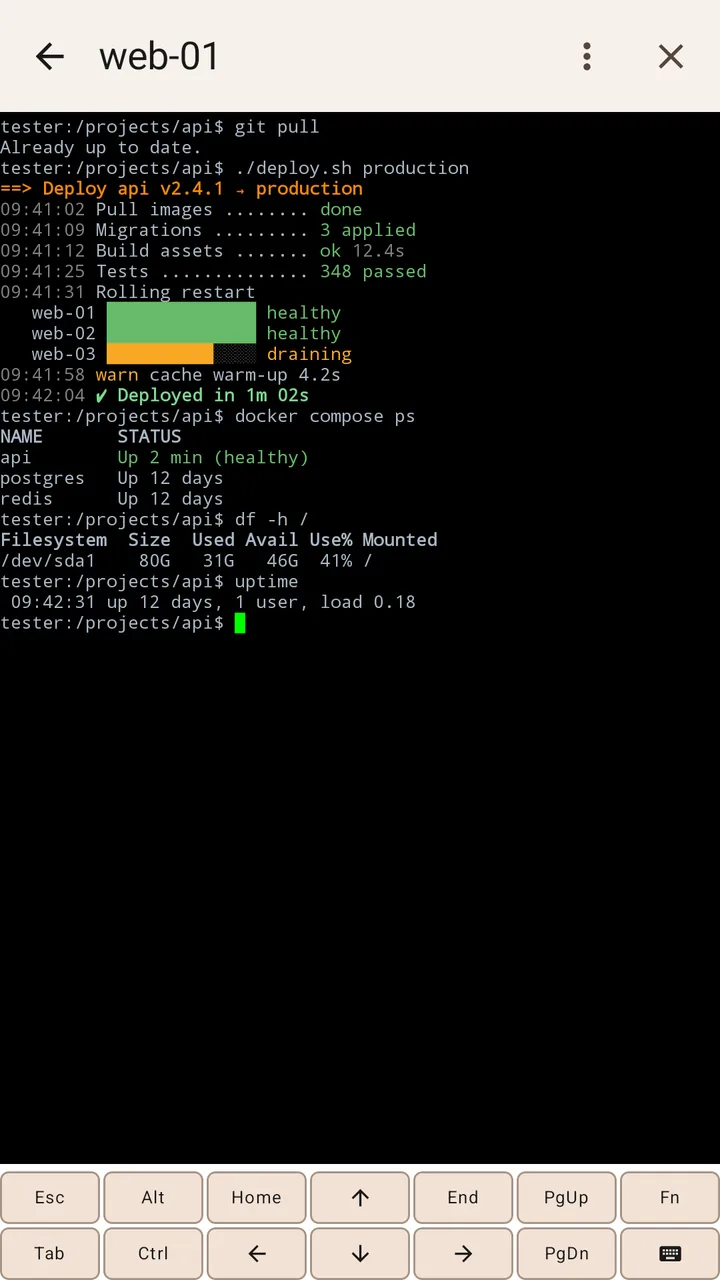
A real terminal
- Full terminal emulation for vim, htop, tmux and the rest
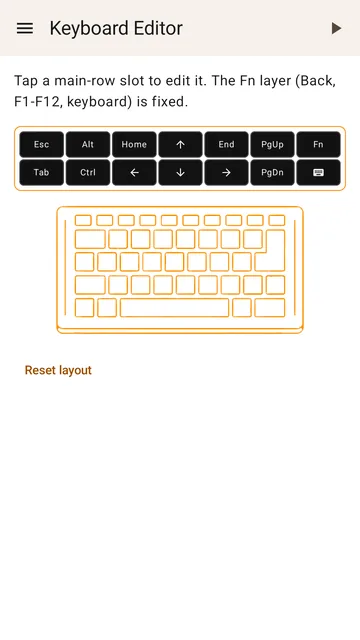
- Esc, Ctrl, Alt, Tab, arrows and F1–F12 one tap away, on rows you can rearrange
- Its own full keyboard, so typing never depends on your phone's keyboard
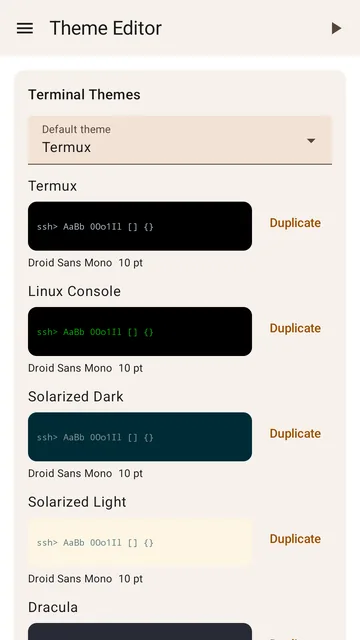
- Pinch to zoom, find in output, colour themes and fonts
- /02
Sessions that survive
- Reconnects on its own when Wi-Fi drops or you switch to mobile data
- Can attach to tmux, so you land back in the same shell
- Keeps sessions running in the background, with a notification
- Mosh for unreliable connections
- /03
Files, handled
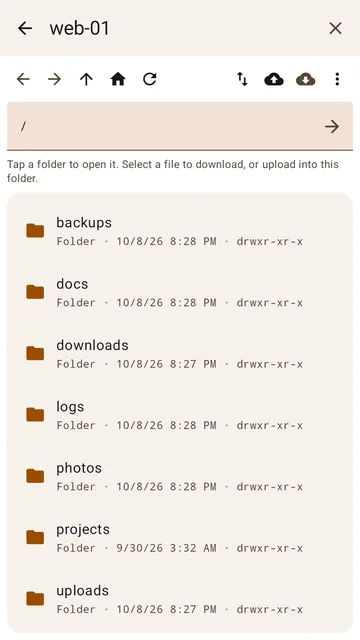
- File browser over SFTP with a tappable path bar
- Edit config files in place with syntax highlighting
- Change permissions without remembering chmod numbers
- Downloads resume where they stopped
- /04
Shortcuts
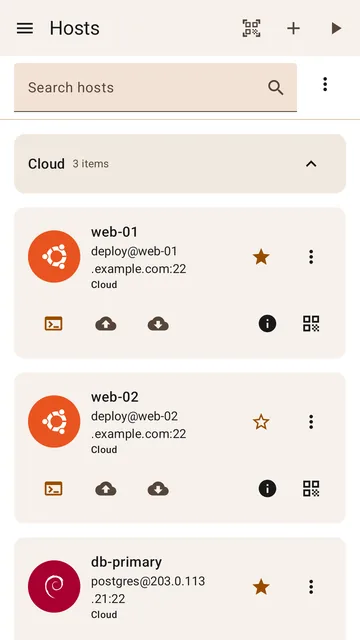
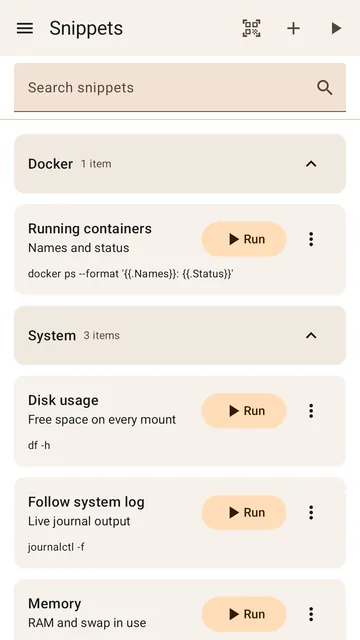
- Snippets for commands you run often, plus a startup snippet per host
- Quick Connect for one-off servers
- Import hosts from your
~/.ssh/config - Keyboard shortcuts for Bluetooth keyboards and Chromebooks
- /05
Private by design
- Passwords and keys encrypted on your phone, never uploaded
- PIN and fingerprint app lock
- Move everything to a new phone over local Wi-Fi, QR, or a file
- Diagnostics you control, with personal details removed (privacy policy)
03Screens
Scroll →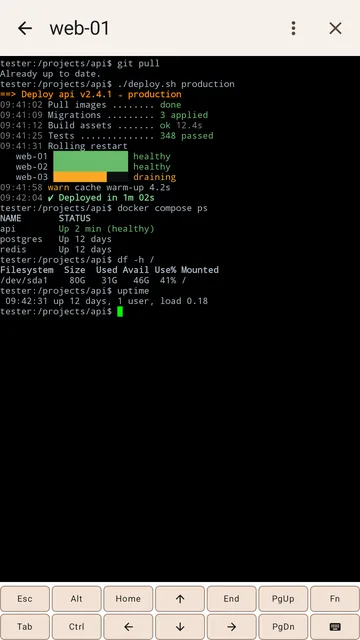
04Help
Stuck on something?
Setup guides, answers to common questions, and fixes for every connection error the app can show.